 DROPZONE
YOUR SETUP / SENSITIVITY
Keep your mouse turn distance consistent.
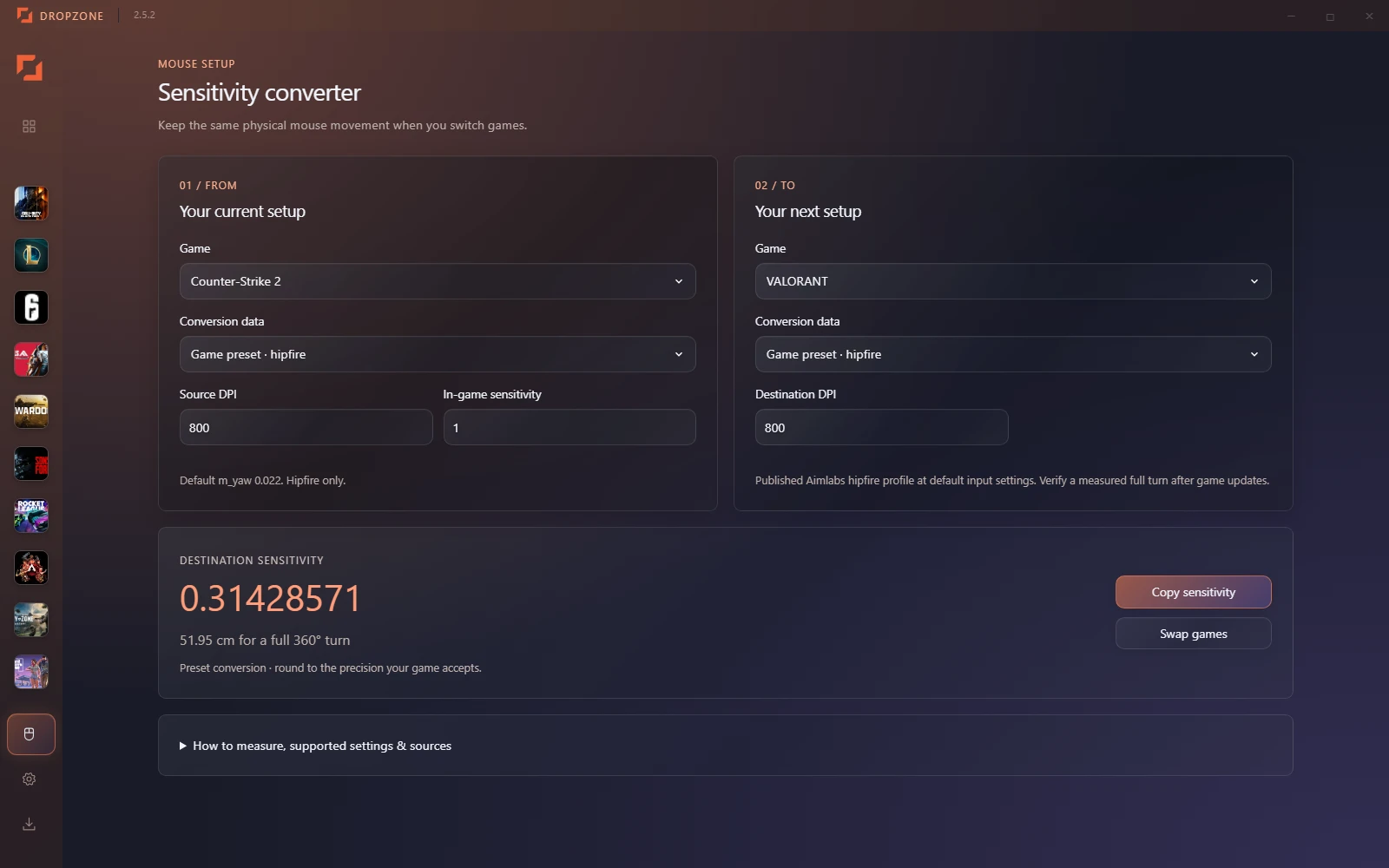
Dropzone’s sensitivity converter helps transfer your setup between supported keyboard-and-mouse games. Enter your current game, DPI and in-game sensitivity, then choose the destination game and DPI.
What the conversion matches
The converter matches horizontal centimeters per full 360-degree turn. It uses the selected game preset’s sensitivity coefficient, or your own measured calibration. Results are calculated locally.
Convert a setup
- Select your source game and enter the DPI and sensitivity you use.
- Select a destination game and its DPI.
- Copy the calculated sensitivity into that game, then check a full turn in-game.
Manual calibration for other games
If a suitable preset is unavailable, use manual calibration. With acceleration disabled, mark your mouse position and measure the distance needed to turn exactly once back to a landmark. Enter that distance in centimeters, along with the sensitivity and DPI used for the measurement. Repeat to check consistency.
Resolution, field of view and scoped aiming
Resolution and field of view change how motion looks, but do not enter a physical cm/360 conversion. Matching turn distance does not guarantee identical perceived aim. ADS, scope multipliers, acceleration and nonlinear sliders need separate treatment; do not assume a hipfire result applies to them.
Available in the free Windows app
Download Dropzone and open the sensitivity converter. The app shows its supported presets and source information. You do not need a Dropzone account.