01 / PREPARE
Build your next move.
Find a loadout that fits your role. Bring your team's setup together before the first round.
Class builds / Team setups / Saved loadouts DROPZONECOMPANIONGET DROPZONEDROPZONE COMPANION
Match stats, loadouts and tactical tools.
One free companion for the games you play.
Free · Windows 64-bit · Version 2.5.3
BEFORE, DURING & AFTER
One companion.
Every part of the game.
01 / PREPARE
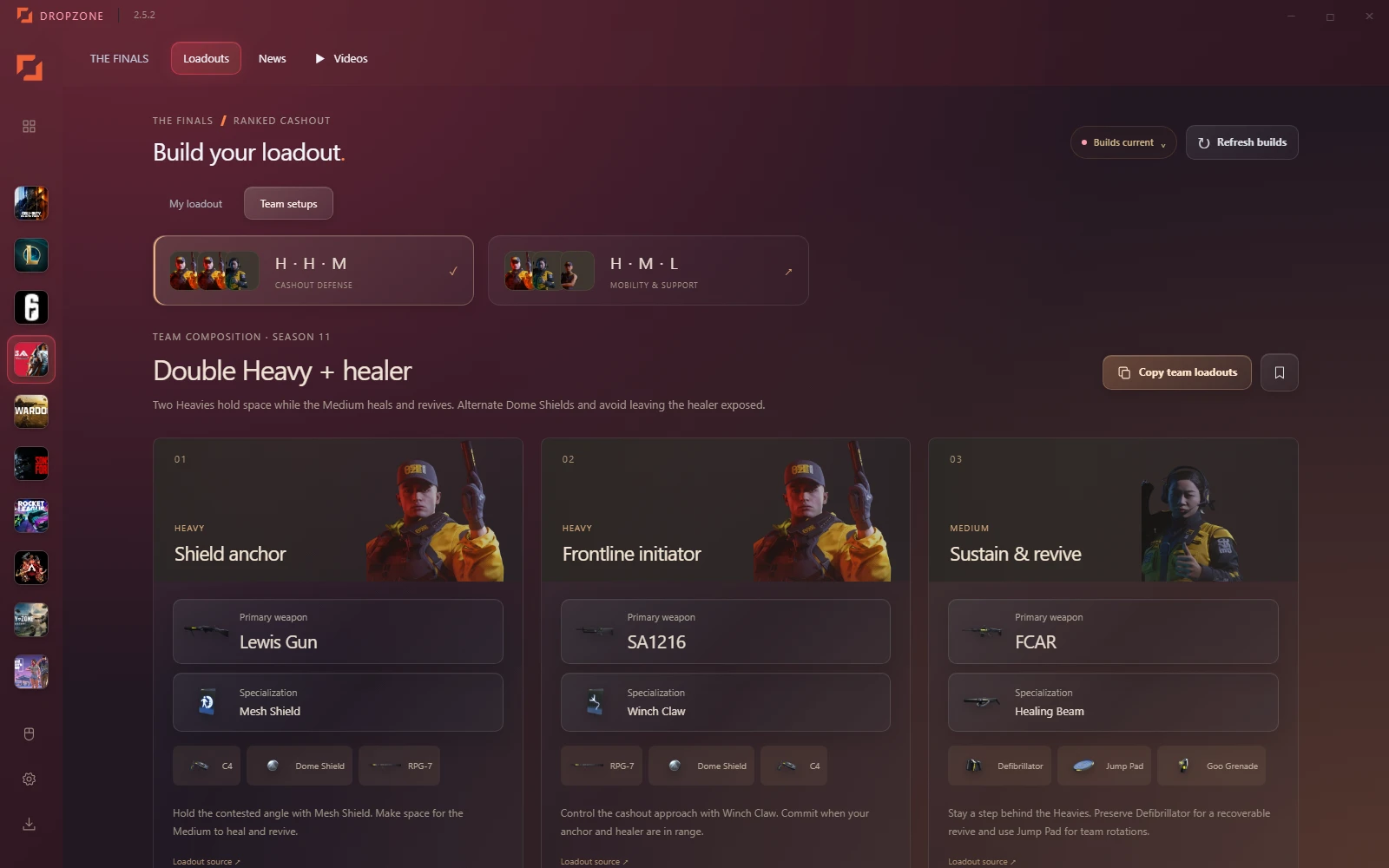
Find a loadout that fits your role. Bring your team's setup together before the first round.
Class builds / Team setups / Saved loadouts02 / PLAY
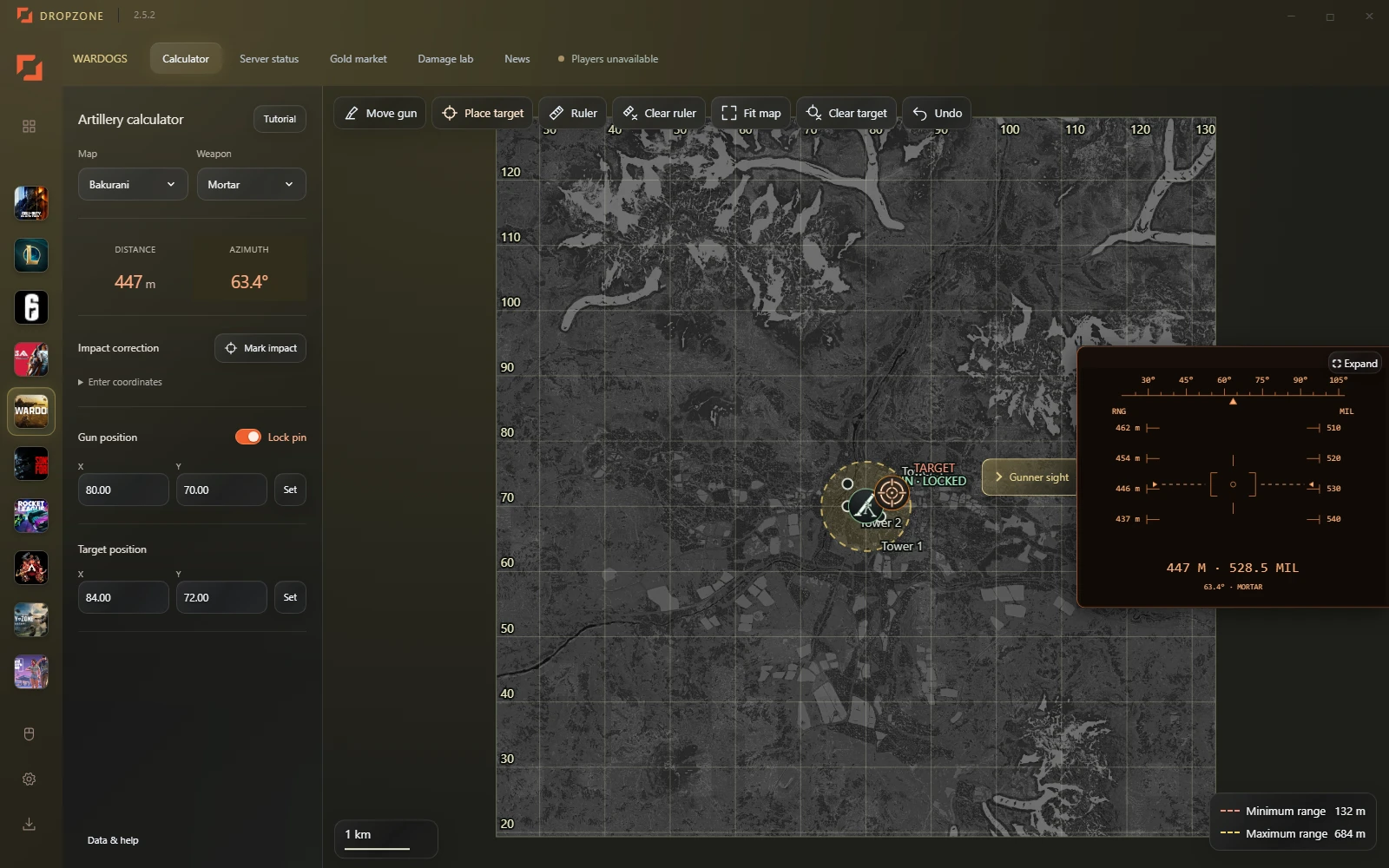
Put tactical maps, artillery references and live match information within reach. The right tools for the game you are playing.
Tactical maps / Artillery reference / Live tracking03 / REVIEW
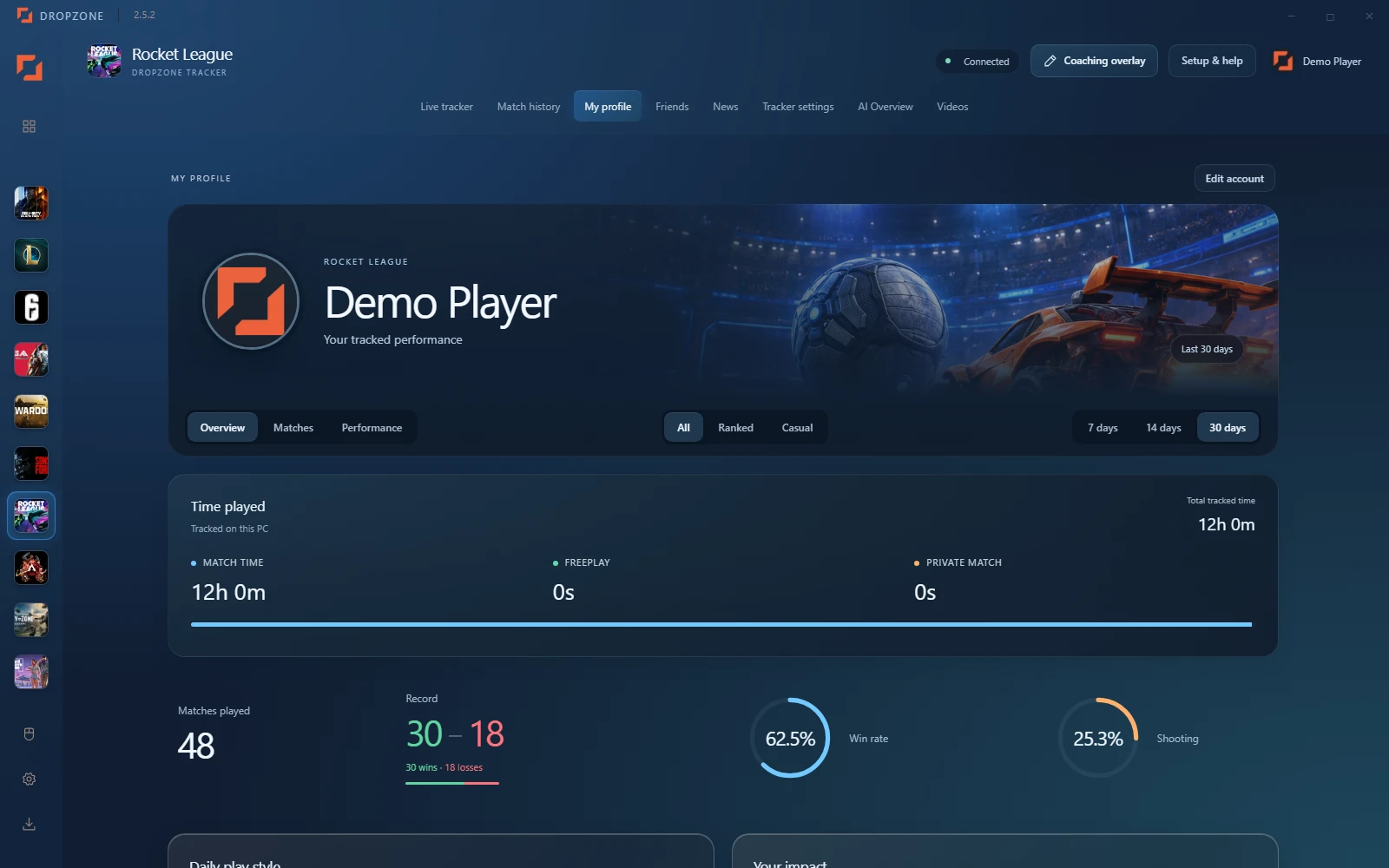
Revisit your Rocket League matches. Spot patterns in your performance, organize results, and draw the next play with the coaching overlay.
Match history / Player profiles / Coaching overlaySCROLL THROUGH THE SESSION PREPARE / PLAY / REVIEW
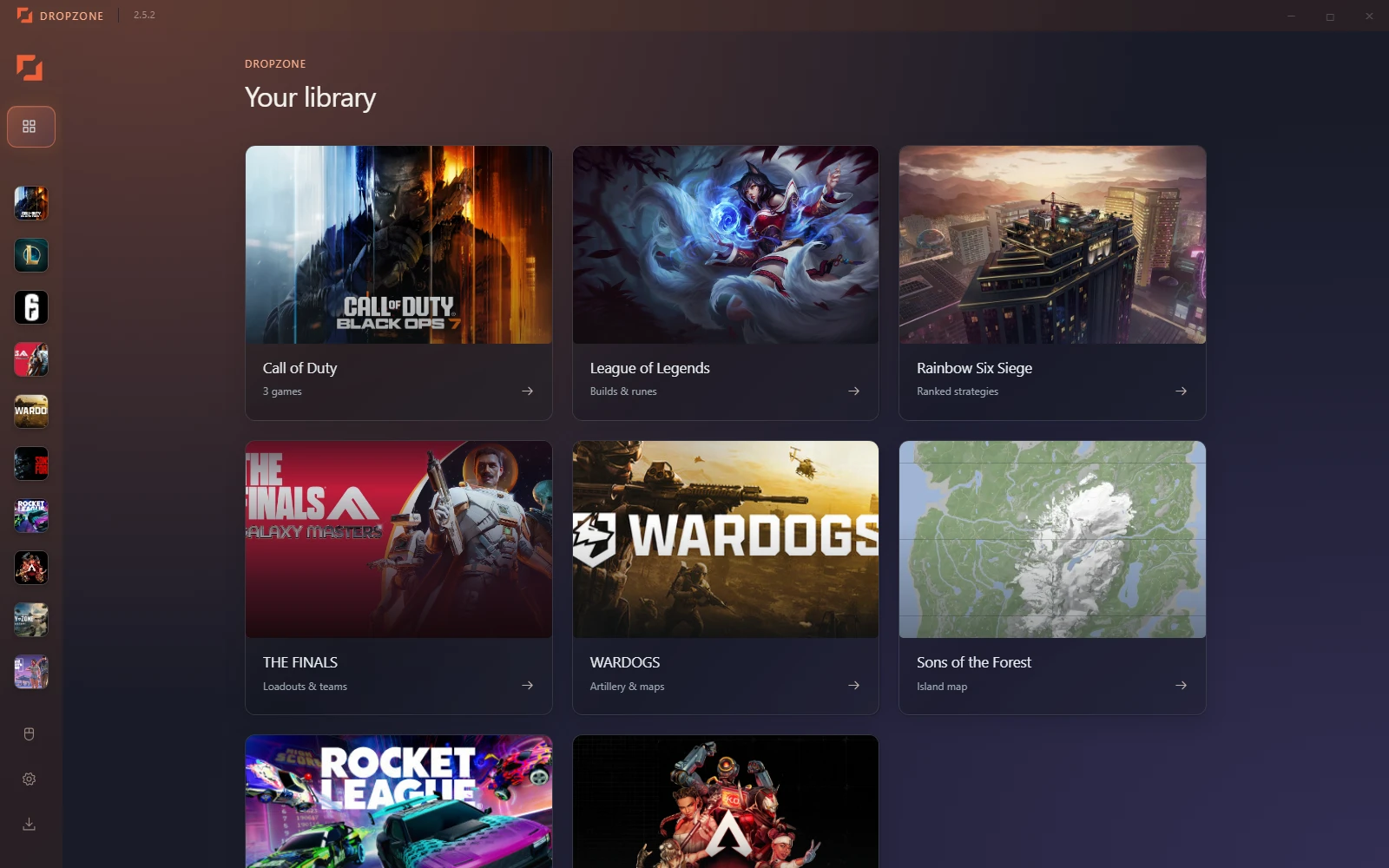
FIND YOUR GAME
Choose your game.
See what comes with it.
Follow your live scoreboard, revisit recorded matches and see your performance take shape. Bring the coaching overlay into a replay to draw the next play.
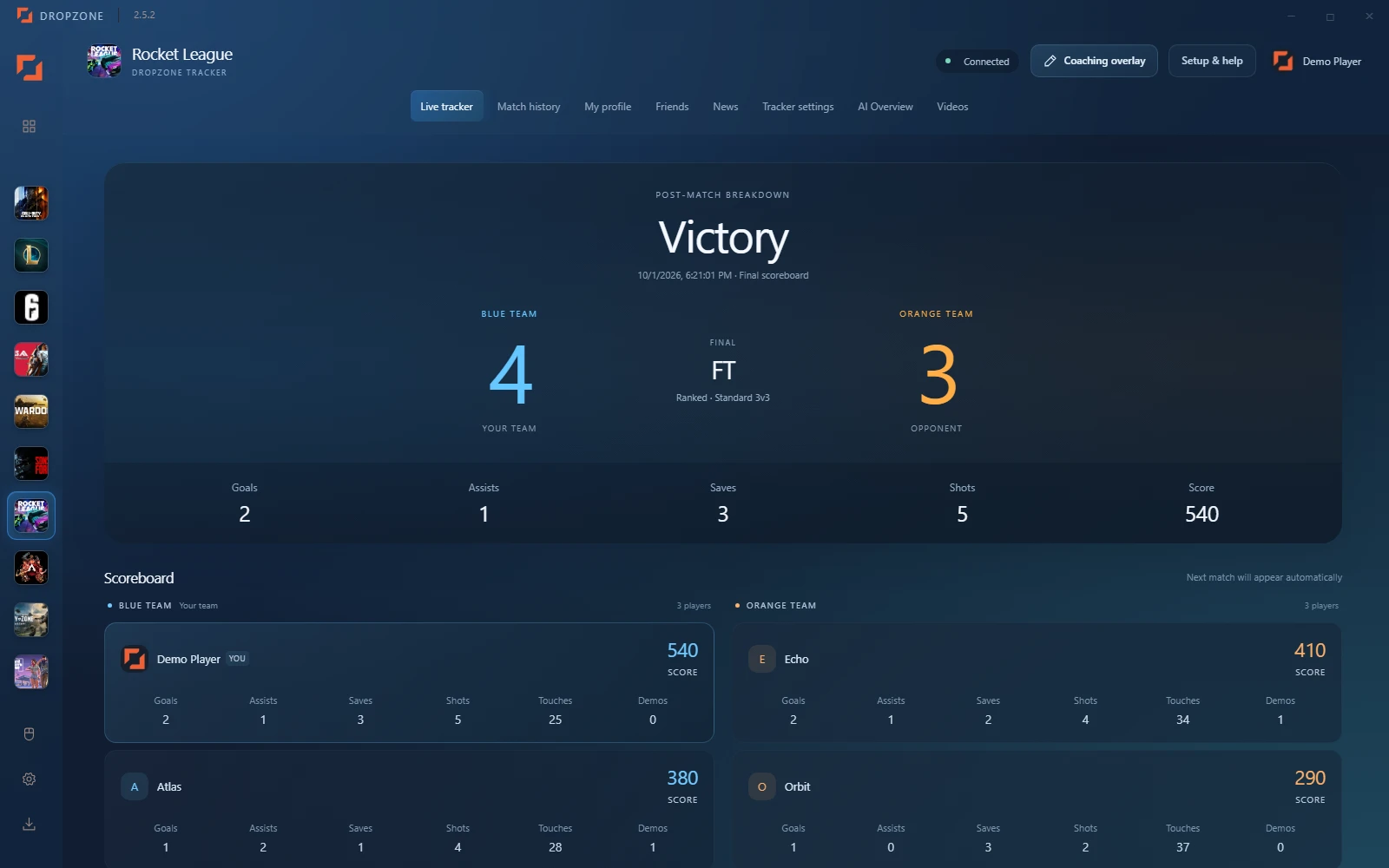
Local Stats API setup required. Records while Dropzone is running; no rank/MMR or past career lookup. Sample match data shown.
Follow your live scoreboard, revisit recorded matches and see your performance take shape. Bring the coaching overlay into a replay to draw the next play. Local Stats API setup required. Records while Dropzone is running; no rank/MMR or past career lookup. Sample match data shown.
Look up player profiles and available rank and legend trackers. Keep favorites close, explore legend recommendations and catch official news and ALGS videos. Player lookup needs a Dropzone account and provider availability. Unofficial Apex Legends Status data has partial tracker coverage.
Build a map-specific attack or defense lineup. Explore operator roles, round briefings and ban suggestions before your team heads in. Lineups are editorial. Ubisoft statistics are periodic Platinum+ PC/console snapshots, not live personal or per-map stats.
Explore Black Ops 7 and Warzone weapon builds with source attachments and loadout codes. Save the setups you want to return to. Community tiers are editorial recommendations. Perks/equipment are outside the attachment feed. Modern Warfare 4 is coming soon.
Bring weapons, specializations and gadgets together. Explore Light, Medium and Heavy builds, compare team setups and save complete equipment snapshots. Ranked Cashout recommendations from TheFinalsLoadout.com. Community tiers are not measured win probabilities.
Place a gun and target on the map. Keep distance, bearing and an artillery reference within reach, then explore damage comparisons, servers and gold-price history. Flat-ground reference tables do not account for terrain height or obstacle clearance. Community and price data may be delayed.
Search for tools and supplies, switch map layers, and mark what you've found. Your exploration progress stays saved on your PC. A map reference for your exploration. It does not track your in-game player position.
Explore builds, runes, item paths and matchup guidance. Filter supported modes by role, rank and region, and save builds for your next game. Sources include LoLalytics, Mobalytics and Riot Data Dragon. Rotating modes can use archived guides, with their source context shown.
The Gray Zone Warfare module is under construction. Its map and planning tools are currently unavailable in Dropzone. No release date announced. Check the release notes for future availability.
GTA VI has a coming-soon place in the Dropzone library. Companion tools have not been announced yet. This is a planned module, not currently available functionality.
KEEP YOUR SETUP
Keep your mouse turn distance consistent. Convert sensitivity between supported games with DPI and physical distance.
EXPLORE SENSITIVITY CONVERSION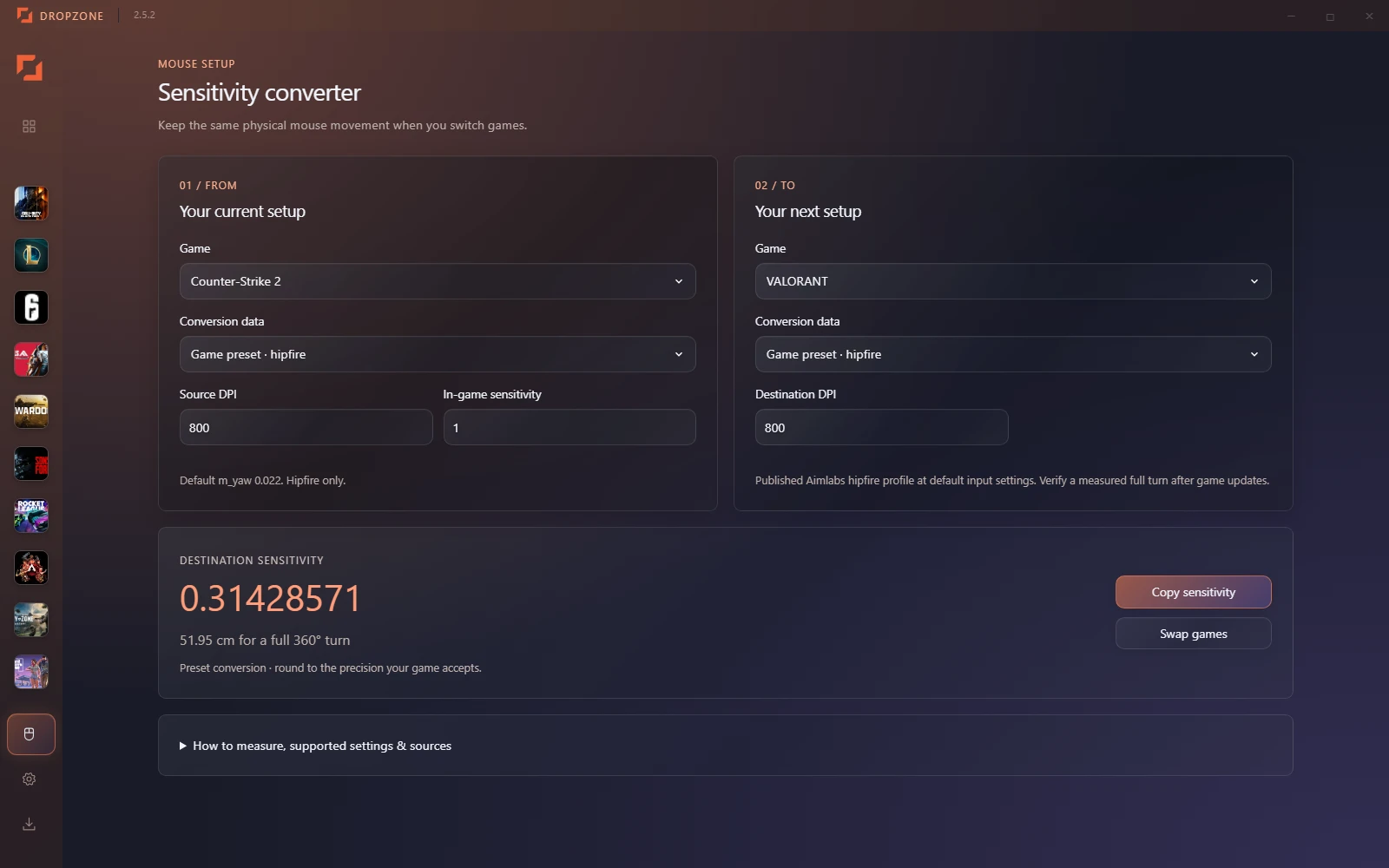
WHAT’S NEW
New tools. Real improvements.
Follow the latest from Dropzone.
BEFORE YOU DROP IN
Yes. Dropzone is free for Windows. Local companion tools don't require an account. A free account enables cloud match history, optional friend sharing and supported online services such as Apex player lookup.
Dropzone records matches while it is running using Rocket League's local Stats API, after setup in the app. No Steam or Epic password is needed. It does not look up ranks, MMR or your previous career history.
Signed out, local history stays on your PC for 30 days. Signing in adds a rolling year of cloud history. Accepted friends see shared stats only when you enable sharing. Read the privacy statement.
Yes. The coaching overlay lets you manually draw arrows, circles and notes, then capture an annotated screenshot. Use the button in Dropzone or your configured shortcut. Borderless or windowed mode is recommended.
The current installer is for 64-bit Windows 10 and Windows 11. It is unsigned, so Windows may show an unknown publisher warning. Official downloads are hosted on GitHub Releases.
YOUR NEXT SESSION STARTS HERE